In an era dominated by digital advancements, our blog takes you on a journey through the intricate landscape of online banking with the intriguing title, "Navigating the Digital Frontier: Unveiling the Power of Online Banking." Immerse yourself in the transformative realm where convenience meets security, and financial management transcends traditional boundaries.


Seamless Success: A Guide to Effortlessly Onboarding with Zybra
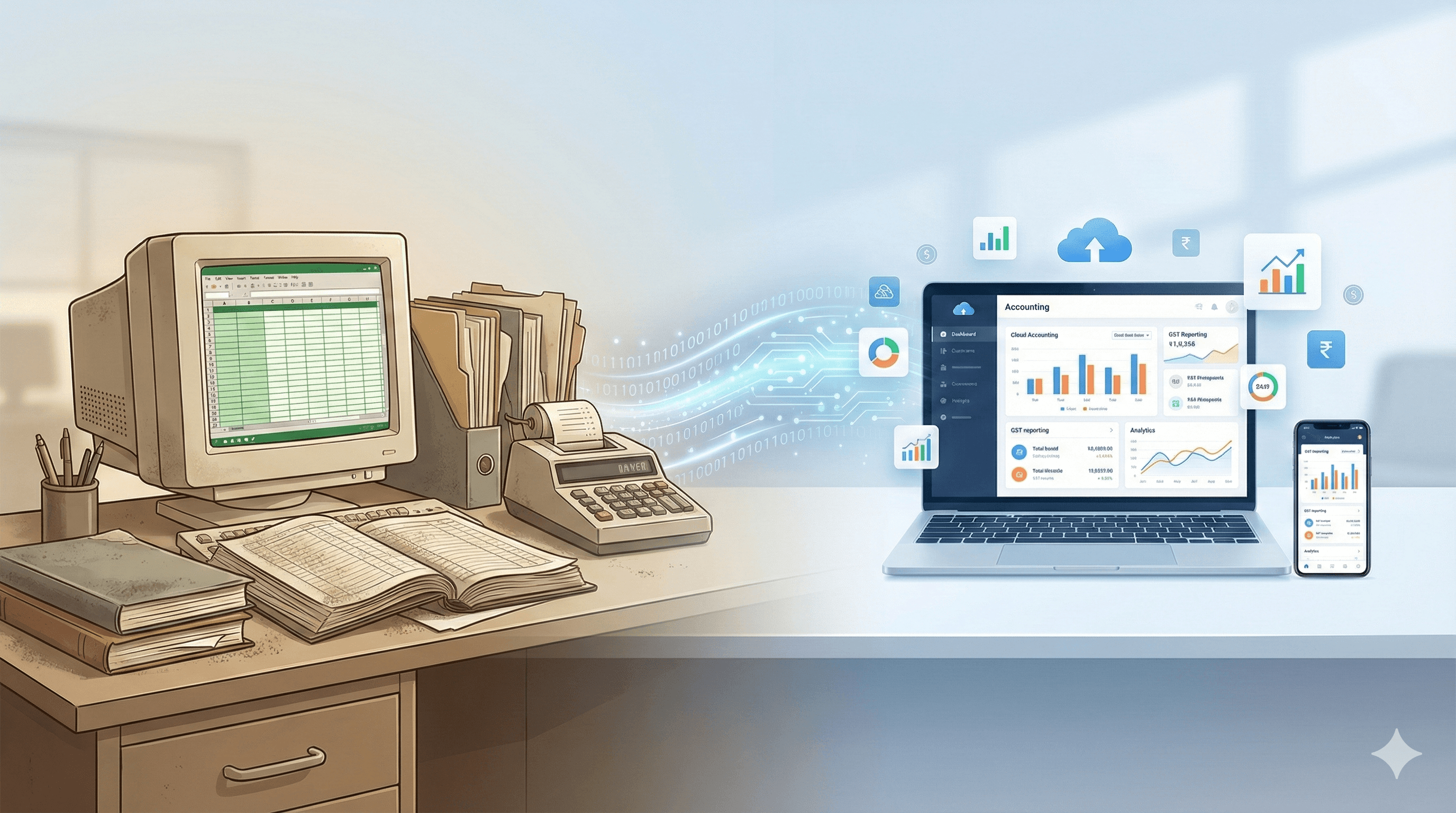
Transitioning your business from traditional red-bound "bahi-khata" ledgers or siloed desktop software to a modern digital system is no longer just a luxury—it is a regulatory necessity in India's rapidly digitizing economy. Whether you are a retailer, distributor, or manufacturer, moving to the cloud ensures you stay ahead of stringent GST mandates like real-time e-invoicing.
+At Zybra, we have engineered an onboarding process that is as intuitive as it is powerful. Here is your step-by-step roadmap to transforming your business operations and achieving "anytime, anywhere" financial freedom.
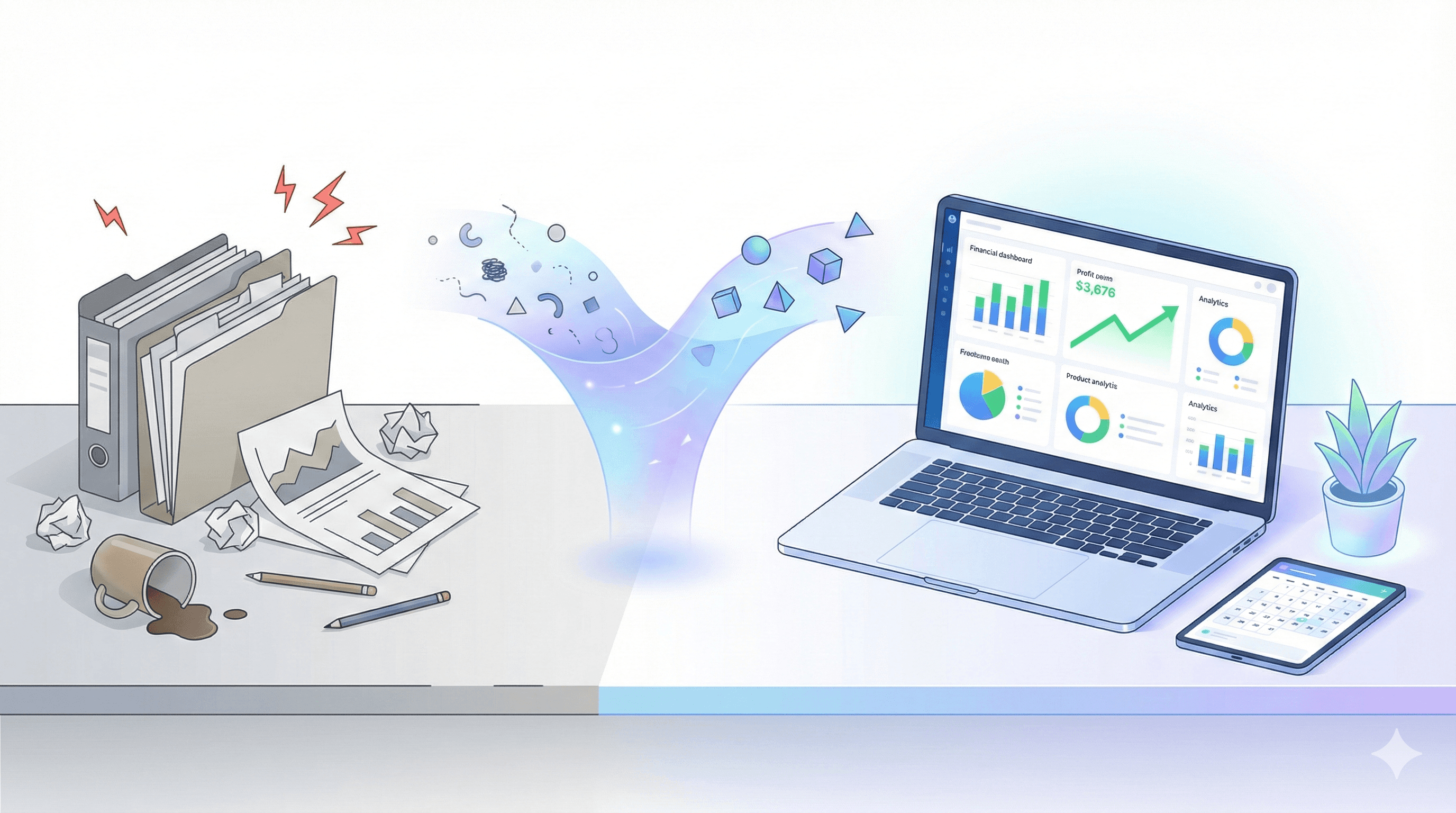
Step 1: Pre-Migration Preparation
Before diving into the software, a little preparation ensures a smooth "Go-Live" date.
Pick Your Date: Ideally, start at the beginning of a financial year (April 1st) or a new GST quarter.
Data Cleanup: Physically verify your stock levels and ensure you have the correct GSTINs for all your customers and vendors.
Reconcile Accounts: Ensure your bank and cash balances are updated as of your chosen cut-off date.
Step 2: Migrating from Legacy Systems (Tally to Zybra)
If you are moving from Tally, Zybra makes the transition seamless by allowing you to import your Masters (Ledgers, Items, and Parties) directly.
Export from Tally: Export your data as an XML (Data Interchange) file by selecting "All Masters" in Tally.
Import into Zybra: Navigate to Settings > Data Import in Zybra and upload your XML file.
Intelligent Mapping: Zybra’s engine automatically maps Tally groups (like "Sundry Debtors") to Zybra categories, though you can manually review any unmapped items.
Step 3: Setting Up Your Organization Profile
Once your data is in, personalize your account to automate your compliance.
GST Settings: Enter your GSTIN and registration date. Zybra can fetch business details directly from the GST portal, ensuring 100% accuracy.
Branding: Upload your company logo and digital signature so you can generate fully authorized invoices without ever needing a printer.
Inventory Rules: Associate HSN codes with your items during setup. This allows Zybra to automatically apply the correct tax rates (0% to 28%) during billing.
Step 4: Multi-User & Team Collaboration
Cloud accounting liberates you from your desk and allows your team to work together in real-time.
Role-Based Access: Invite your staff and your Chartered Accountant (CA).
Security: Assign specific roles, such as "Sales Only" access, to ensure staff can generate bills while sensitive data like Profit & Loss (P&L) statements remains restricted to owners.
Step 5: Master Your New Dashboard
With onboarding complete, you can now leverage Zybra's advanced features to drive growth:
E-Way Bill & E-Invoicing: Generate e-way bills and unique Invoice Reference Numbers (IRNs) directly from your invoicing screen.
Automated Reconciliation: Sync your bank statements to let Zybra’s algorithms intelligently match transactions to open invoices.
Inventory Mastery: Track stock across multiple godowns and use Batch Management with FEFO (First-Expired-First-Out) logic to reduce wastage.
Frequently Asked Questions (FAQs)
Q: Is it safe to move my traditional books to the cloud? A: Yes. Unlike desktop software, where data is siloed and vulnerable to hardware failure, Zybra’s cloud paradigm secures your data and makes it accessible only to authorized users.
Q: What if I have a turnover of more than ₹10 Crore? A: Zybra is fully equipped for the 2025/2026 mandates, including the 30-day reporting rule for e-invoicing, ensuring you avoid penalties for late reporting.
Q: How do I handle small daily expenses like staff tea or travel? A: Use the Zybra Receipts Manager App. Simply take a photo of the receipt, and our AI will extract the data and post it to your ledger automatically.
Start free with Zybra.